Founding offer
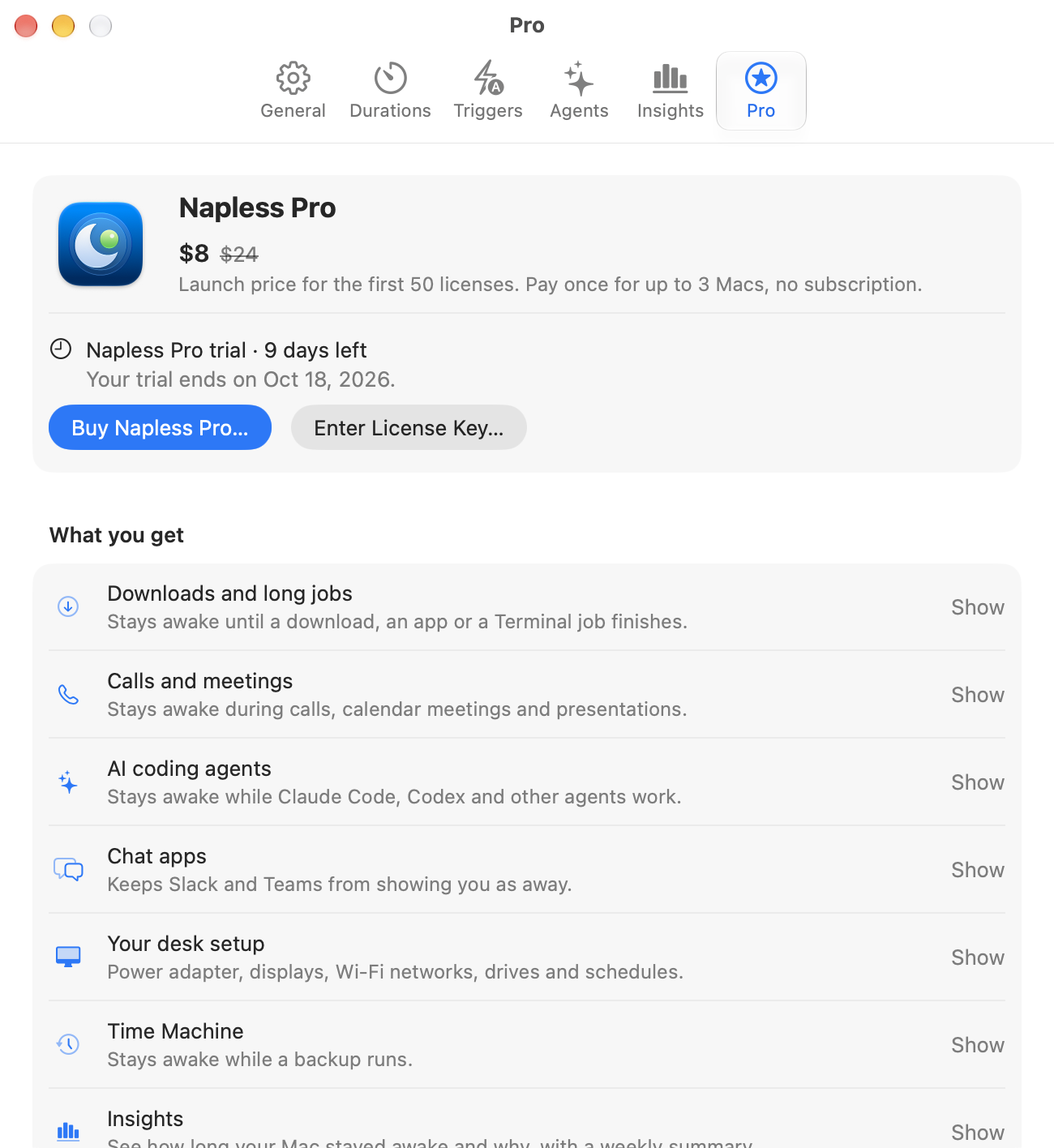
Napless Pro
Automatic keep-awake, agent mode, Insights and alerts. Napless holds the Mac awake while a job runs and lets it sleep once the job ends.
$8 $24
One time, for the first 50 customers. After that, Pro is $24.
$24
One time.
Lifetime license · up to 3 Macs · no subscription
Secure checkout by Dodo Payments. Your license key arrives by email.
What Pro adds
- Agent mode for Claude Code, Codex, Grok, Cursor, Gemini CLI and 12 more agents
- Until a download finishes
- Until an app quits or a Terminal job ends
- During calls and while audio plays
- While Time Machine backs up
- Insights
- While commands are running
- While a local server is running
- Alerts on Telegram and Slack
A new install includes everything for 7 days. After that, keeping the Mac awake needs Napless Pro. If you installed Napless before 1.5, you keep the free features you already have.
Agent mode Pro
When a coding agent is working,
the Mac stays up.
Turn on Keep Awake While It Works for Claude Code, Codex, Grok, Cursor or Gemini CLI, and Napless holds the Mac awake while that agent works. Each one lets go a little differently; pick one to see how long it holds.
Demo

Claude Code
ProWhile a turn runs
Each turn holds the Mac awake. When the agent waits for your reply, the hold ends.
Keeps your Mac awake while the agent works, for up to 10 minutes after your last prompt. After that, your Mac can sleep even if the agent is still working.
Also GitHub Copilot CLI, Aider, OpenCode, Amp, Goose, Kiro, Cline, Windsurf and more, plus any command throughnapless run.
Pricing
A 7-day free trial,
then one payment for Pro.
Napless Pro
$24 $8 once, for life
$24 once, for life
Founding price For the first 50 customers. After that, Pro is $24.
The trial starts the first time you open Napless and covers everything for 7 days, with no account or card. After that, keeping your Mac awake needs Napless Pro: one payment for a lifetime license on up to 3 Macs, with no subscription.
Installed Napless before 1.5? You keep the free features you have.
Secure checkout by Dodo Payments · License key arrives by email · Up to 3 Macs
Why not caffeinate or a free app?
- Napless follows the job. caffeinate keeps the Mac awake; Napless keeps it awake until the download, build or agent turn ends, then lets it sleep.
- Agent mode. No free app holds the Mac awake for a Claude Code or Codex turn and lets go after it.
- It shows what and why. The menu bar names the app keeping your Mac awake, and Check Health explains why it slept anyway.
See everything in Napless Pro
| Feature | Included |
|---|---|
| Keep awake | |
| Keep Awake For and Keep Awake Until | Included |
| Time left in the menu bar | Included |
| Global shortcut and Control Center control | Included |
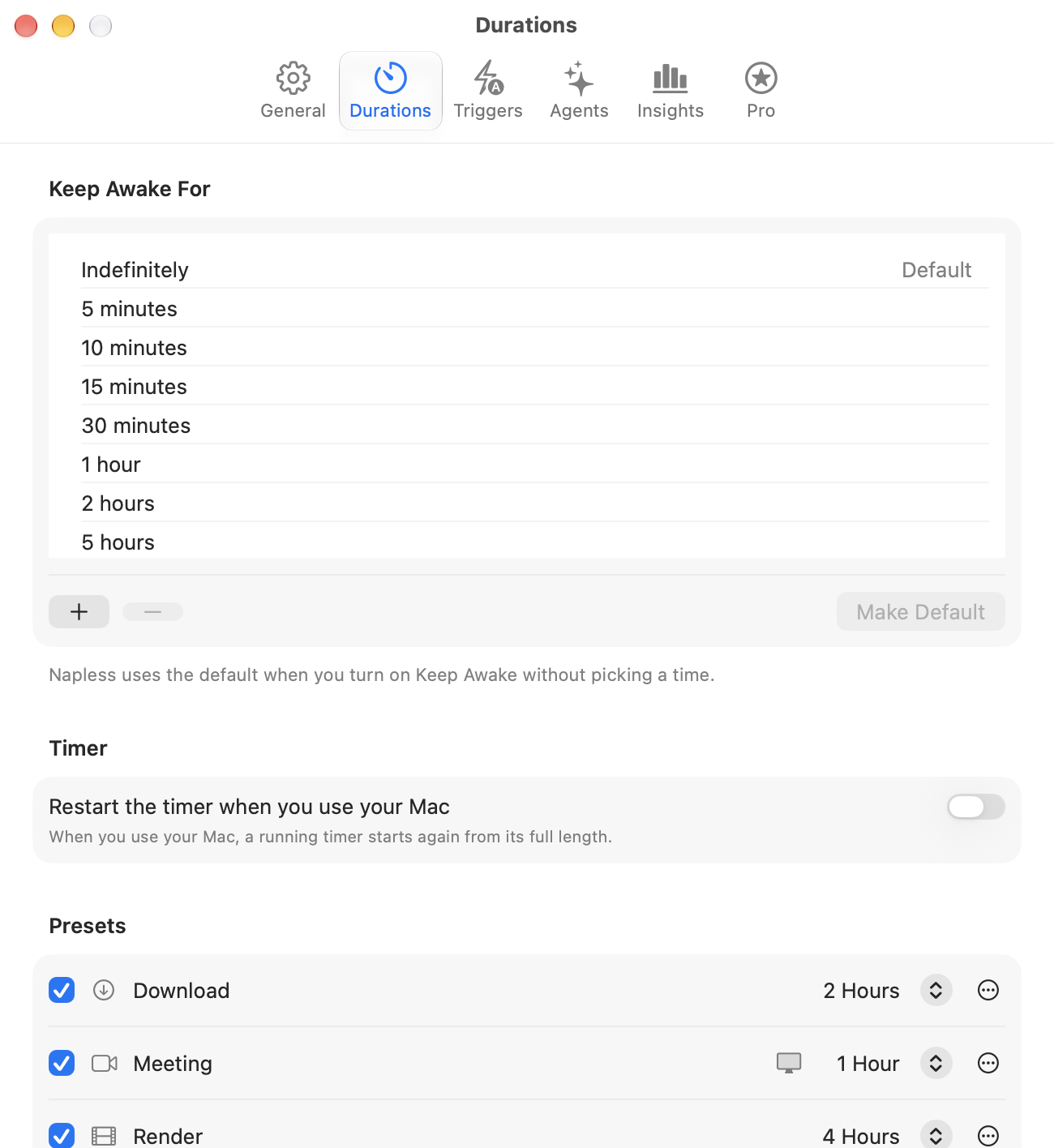
| Presets: Download, Meeting, Render and AI Run | Included |
| Automatic | |
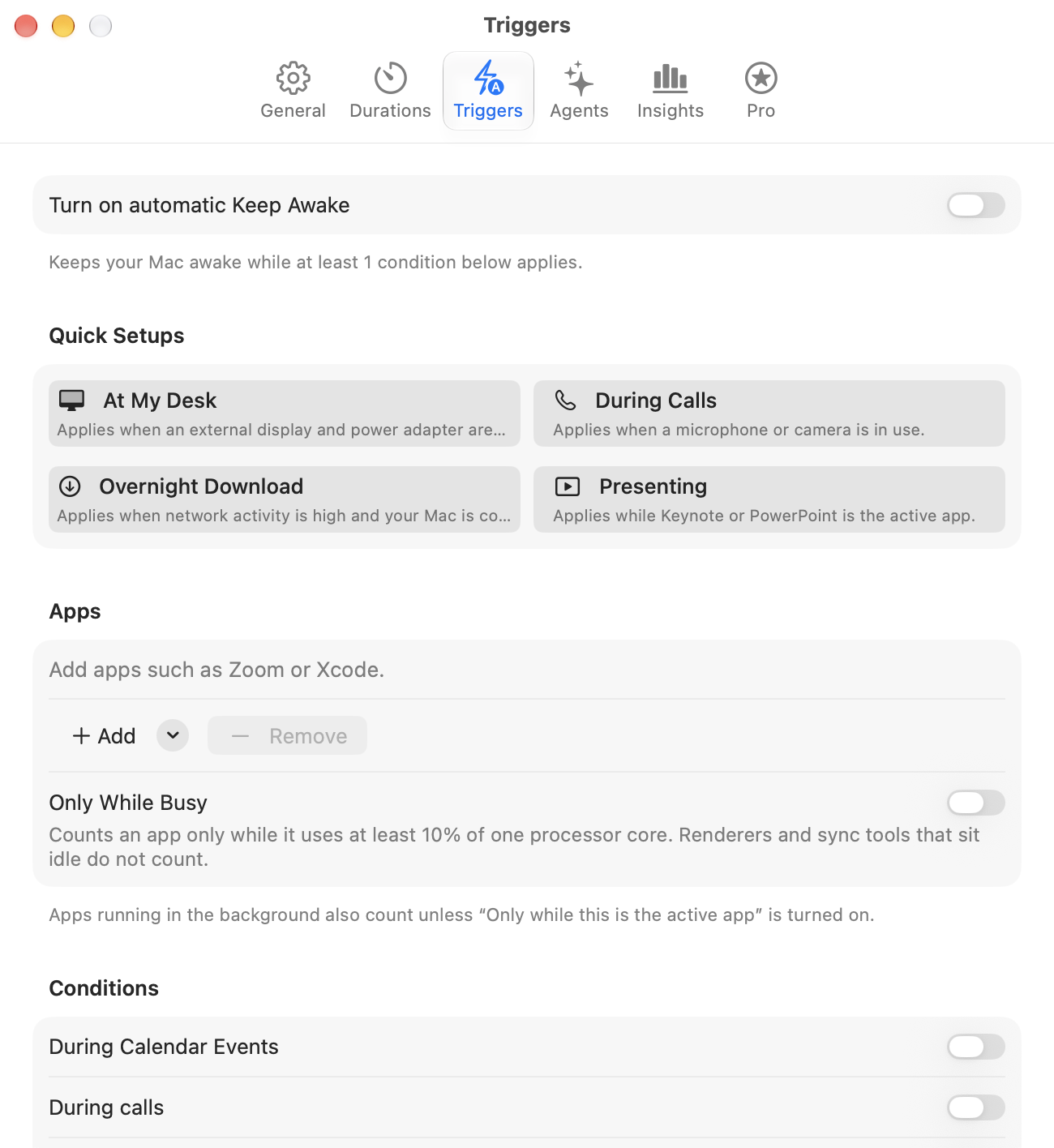
| Downloads, calls and audio, chosen apps | Included |
| Meetings in your calendar, and while you present | Included |
| Any download in progress, VPN, a drive or USB device | Included |
| At your desk, on power, on Wi-Fi, on a schedule | Included |
| Until a file finishes, an app quits or a Terminal job ends | Included |
| While Time Machine backs up | Included |
| While commands are running | Included |
| While a local server is running | Included |
| While a remote login is open | Included |
| Shortcuts and Siri: Keep Awake, Until, Stop, Add Time | Included |
| Shortcuts that wait for an app or a download, and Focus filters | Included |
| Command line, URL scheme, AppleScript and napless mcp | Included |
| Suggestions, and a display and battery choice per condition | Included |
| Work | |
| Insights | Included |
| Alerts on Telegram and Slack | Included |
| AI agent mode (Claude Code, Codex, Grok, Cursor, Gemini CLI and 12 more) | Included |
| Agent holds through napless mcp | Included |
| Any other agent, through napless run or the app trigger | Included |
| Keeps chat apps from showing you as away | Included |
| Keep Awake With Lid Closed | Coming in an update |
| Trust and safety | |
| Honest status, Check Health and napless doctor | Included |
| Why your Mac slept, and battery time left | Included |
| Re-checks Open at Login after macOS updates | Included |
| Stop when hot, stop on low battery | Included |
| Managed settings for IT | Included |
An example schedule
Interactive demo · Automatic keep-awake
Set your own days and times in Napless Pro.
Napless in your Terminal
Scripts and agents can
keep the Mac awake too.
The napless command-line tool ships inside the app. It answers in plain text or JSON, so a shell script, a CI job or a coding agent can ask for exactly the awake time it needs.
$ napless status
Until 7:30 PM · 2h 3m left
$ echo $?
0
Health in one line Included
The checks Keep Awake Health runs, as JSON for scripts and dashboards.
Wrap a command Pro
Wrap an agent CLI, a build or a script. The Mac stays awake until it exits.
Watch a running process Pro
For a long job you already started, give Napless its process ID.
Holds for scripts Pro
Named holds with a time limit, listed with napless holds.
Before you decide
- macOS can already hold a Mac awake. See what macOS already does without Pro.
- Chat apps run their own idle clocks. Read how Slack and Teams set Away before you rely on Keep chat apps active.
- If you’re choosing between apps, see Napless compared with Amphetamine and KeepingYouAwake, including what each can do today.
- Downloads: keep a Mac awake until a download finishes, with or without Napless Pro automatic keep-awake for downloads.
- Backups: whether Time Machine backs up while a Mac sleeps, and what the Time Machine trigger adds.

Get started
Try Napless free
for 7 days.
It sits in your menu bar a few seconds after you download it, and lets the Mac sleep once the work is done.
Founding offerThe first 50 Napless Pro licenses are $8, then $24. Pay once and it's yours for life, on up to 3 Macs.
macOS 13 or later · Apple silicon and Intel